Buying a South Dakota Permit Online
Buying a South Dakota Permit Online
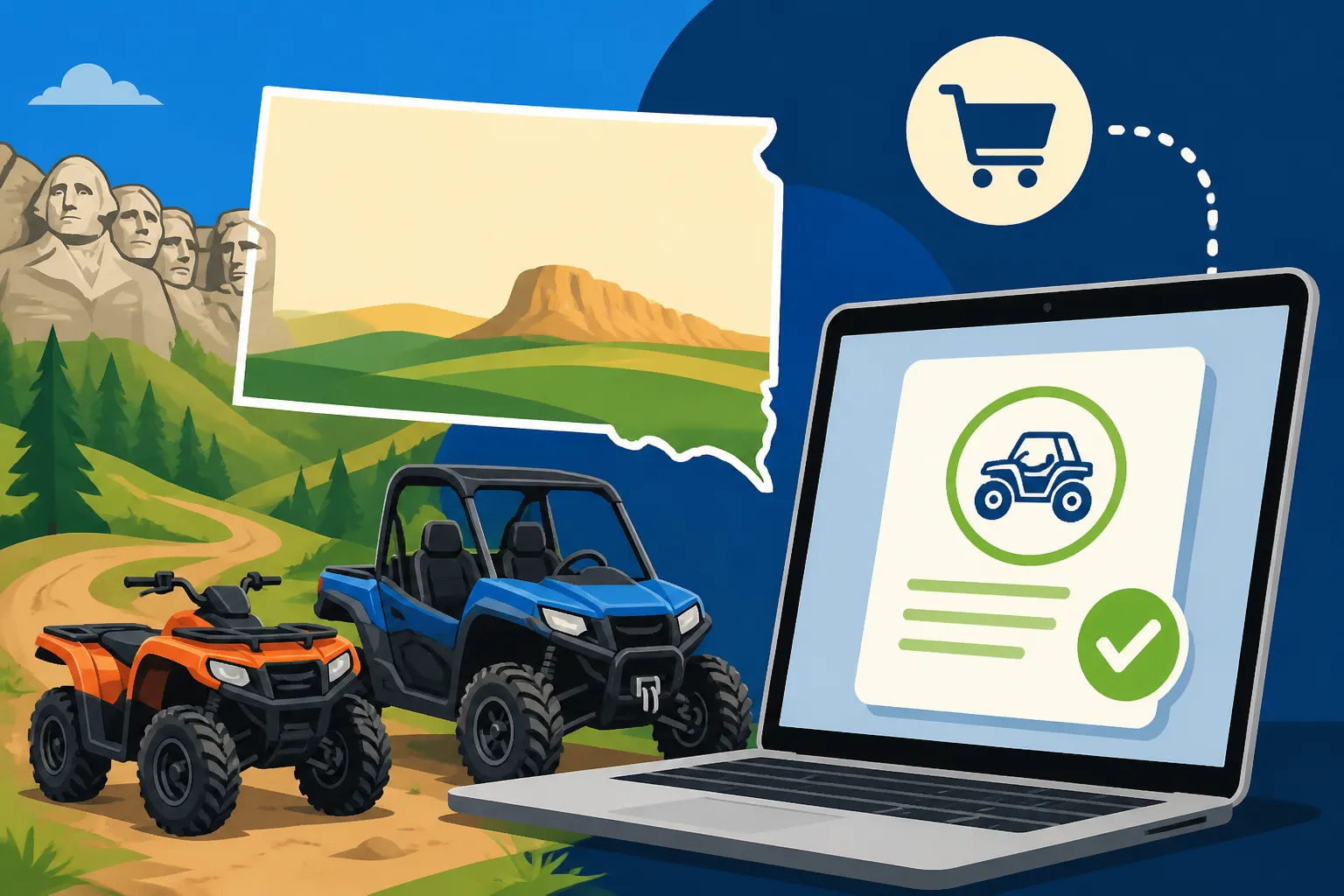
Buying a South Dakota permit online can save a stop at a shop or ranger office, but it does not always mean you can ride immediately. The key is choosing the correct permit, allowing time for the physical decal to arrive, and understanding which places require it. Here’s how to plan the purchase and avoid arriving at a trailhead without what you need.
First, make sure you are buying the right permit
“South Dakota permit” can mean more than one thing. For many visitors, the relevant purchase is the motorized trail permit for riding designated trails in the Black Hills. It is not a universal license for every off-highway vehicle use in the state, and it does not automatically cover every road, trail, or recreation area.
Start by identifying where you intend to ride and what kind of route it is. A designated motorized trail has different requirements from an ordinary forest road, private land, or a separate riding area. The permit also does not replace a machine’s required plate or registration where those are needed. For the broader overview, see South Dakota Trail Permits Explained and How the Black Hills Motorized Trail Permit Works.
A useful distinction is that a trail permit is tied to riding a designated trail, while a plate or other authorization may be relevant to road use. A plated machine may still need a trail permit when it enters a trail that requires one. Conversely, buying a trail permit does not make an otherwise prohibited road or area open to riding. Why a Plate Does Not Replace a Trail Permit explains that difference.
There is also a separate nonresident ORV permit system. It addresses a different situation from the Black Hills motorized trail permit, so do not select a product just because its name includes “ORV” or “nonresident.” Check the rules for the location and type of riding you plan to do. If your trip includes public roads as well as trails, review South Dakota’s Nonresident ORV Permit and Riding South Dakota With an Out-of-State Plate before assuming one purchase covers everything.
| What you plan to do | What to check before purchasing |
|---|---|
| Ride designated motorized trails in the Black Hills | Whether the Black Hills motorized trail permit applies to the specific machine and trail |
| Ride forest roads | Whether the road requires a plate, permit, or another authorization |
| Ride a GFP area | Whether the area has its own rules or an applicable permit exemption |
| Ride private land | The landowner’s permission and any site-specific conditions |
| Ride both roads and trails | Separate road-use requirements and trail-permit requirements |
| Use an out-of-state machine | Whether its plate or registration is recognized for the road use you intend |
The permit is generally associated with the machine, not the person operating it. If a group is bringing several machines, check the current requirement for each one rather than buying a single permit for the whole group. The practical rule is summarized in One Permit Per Machine, Not Per Rider.
Before paying, check the current official instructions for the specific permit. Permit names, availability, application steps, and validity terms can change. The official South Dakota Game, Fish and Parks website is a sensible starting point for information about state trail permits. Also check the relevant land manager’s maps and notices for route access. A permit does not override seasonal closures, width restrictions, or posted closures.
What to have ready before ordering
Online ordering is easier when you have the machine and trip details at hand. Use the official application rather than relying on an old saved link, a search result that looks official, or a third-party listing. Confirm the web address and make sure you are on the government or authorized sales page before entering personal or payment information.
Before you begin, gather:
- The machine’s identifying details requested by the application, such as its type or vehicle identification information.
- The name and contact details of the person completing the order.
- A mailing address where the permit decal can be delivered reliably.
- A payment method accepted by the online system.
- Your approximate riding dates and the places you intend to visit.
- The number of machines that need permits.
Use the machine’s actual information. If you are uncertain about its classification, do not guess based on how it looks or what a seller called it. A quad, side-by-side, dirt bike, and other off-road machines may be treated differently under rules that apply to roads, public land, or a particular permit. The trail permit question is only one part of the machine’s legal status.
Check the address carefully. An online order may be processed promptly while the decal still takes time to travel through the mail. If you are staying at a hotel, campground, vacation rental, or forwarding address, confirm that mail can be received there and that the decal will arrive before you leave. A temporary lodging address can be risky if you will move on before delivery.
It also helps to decide whether an annual or shorter-term option suits your plans, if both are offered for your situation. Compare the current validity terms, not just the apparent convenience. A shorter trip does not necessarily mean that a short-term option will be available for every rider or machine. Check the official selection and eligibility details before completing checkout.
Do not assume that a permit bought for one machine can be transferred to another. If your group might swap machines, confirm the current transfer rules before ordering. Similarly, do not assume that a decal from a previous season remains valid. Check the stated validity period and what happens when a new season begins. When a Black Hills Trail Permit Expires covers why the expiration date matters for trip planning.
Before submitting the order, review every line of the checkout summary. Confirm the permit type, machine details, shipping address, quantity, and any validity information shown. Save the confirmation page or email and keep the order number. If the payment goes through but the confirmation is unclear, use the contact information on the official site to resolve it before the trip.
How to buy the permit online
The exact screens may change, but the purchase usually follows a straightforward sequence. Work through the official instructions rather than relying on a social media post or an old screenshot; the current application controls what information and options are available.
- Confirm the riding area and permit type. Make sure the permit is for the designated motorized trails or other use you intend. If your itinerary includes more than one land manager or riding area, check each one separately.
- Open the official sales or licensing page. Start from the South Dakota Game, Fish and Parks website or the relevant official agency page. Avoid entering payment information on a site you cannot verify.
- Choose the permit that fits the machine and trip. Read the permit name, eligibility conditions, and period of validity carefully. If you are unsure which option applies, contact the agency before paying.
- Enter the requested details accurately. Use the machine and owner information requested by the application. If a required field does not fit your circumstances, ask the agency how to proceed instead of entering an inaccurate answer.
- Provide a deliverable mailing address. Double-check the street address, unit or site number, postal code, and recipient name. Consider whether someone will be able to accept the mail if you are ordering to temporary lodging.
- Review the order before payment. Check the selected permit, machine count, address, and current terms. Keep in mind that one order for several machines may require separate permit records or decals.
- Complete checkout and save the confirmation. Retain the order number and confirmation email. If the site provides a receipt, keep it available, but do not assume it is a substitute for the required decal.
The online transaction is the purchase step, not necessarily the end of the process. The permit is issued as a physical, stick-on decal, and the application process includes mailing it to you. A printout of the confirmation is not the same thing as the decal. See Why There Is No Print-at-Home South Dakota Permit and Why a South Dakota Permit Is a Stick-On Decal for more on that distinction.
If the order page offers a choice between online delivery and pickup, read the instructions for each option before selecting one. Do not assume that completing an online order automatically means the permit will be waiting at a trailhead or ranger office. The official receipt or confirmation should explain what happens next.
Allow time for the decal to arrive
The most important planning point is that an online purchase does not necessarily provide same-day authorization to ride. The decal is mailed separately, and delivery time can affect whether it reaches you before the trip. The published guidance notes that a permit can take 14 days to arrive, so ordering close to departure creates an avoidable risk. Check current delivery information on the official page before placing the order. For timing details, see Fourteen Days for a Permit to Arrive.
Order with enough lead time for both processing and delivery. The estimate is not a guarantee that every order will arrive on an exact day. Mail can be delayed, an address can be incomplete, and an order may need follow-up if information is missing. If you are traveling soon, do not assume the decal will arrive simply because the website accepted your payment.
A sensible plan is to:
- Place the order as early as the official system allows.
- Use an address where someone can receive and safely hold the mail.
- Check the confirmation for the expected fulfillment or mailing information.
- Monitor the address if the decal is being sent to a temporary location.
- Contact the issuing office if the expected delivery window passes without arrival.
- Consider an authorized in-person sales option if you are already near the area and the online timeline is too tight.
The permit should be mounted according to the official instructions. Do not apply it to a surface just because it is convenient or easy to photograph. Its required placement can vary with machine design; follow the current decal instructions for a wheel panel, fork, windscreen, or other specified location. Keep the surface clean and dry before installation so the decal can adhere properly.
If the decal arrives after you have started traveling, check the rules before riding a trail that requires it. A confirmation email, payment receipt, or screenshot may help an agency locate your order, but it may not satisfy the on-machine display requirement. Do not rely on a receipt as permission to ride unless the issuing authority explicitly says it is accepted in that situation.
For an alternative to ordering by mail, check the official list of authorized sales locations and their current availability. Where South Dakota Trail Permits Are Sold is a useful starting point, and Buying a Permit at a Rapid City Visitor Center and Buying a Permit at a Ranger District Office discuss possible in-person routes. Call ahead if your schedule is tight. A location’s usual services, opening hours, and permit stock can change.
Common online-purchase mistakes to avoid
Most permit problems come from a mismatch between the purchase and the actual ride: the wrong permit, the wrong machine count, an unreliable mailing address, or a misunderstanding about what the permit allows. A few checks before and after ordering can prevent a frustrating trailhead surprise.
Treating the permit as a statewide riding pass
A trail permit does not grant access to every public or private place in South Dakota. It does not cancel a closure or make an unmarked route legal. Check the map for the specific riding area, its open dates, and any machine-width restrictions. The same trip may include routes with different rules, so verify the whole itinerary instead of relying on a single permit page.
Assuming online purchase means immediate use
The online system may confirm payment before the physical decal has been delivered. That is convenient for planning, but it does not mean you have the item required to display on the machine. Order early and read the official instructions about when and how the permit must be shown.
Buying one permit for a whole group
A family or riding group may have several machines, but that does not necessarily mean one permit covers everyone. Check the per-machine rule and enter the right number of machines in the order. If you are renting, ask the rental company whether the machine already has the required permit and where the decal is mounted. Do not pay for a duplicate without checking, but do not assume the rental includes it either. Does a Rental Include the Trail Permit? can help with that question.
Confusing a trail permit with a plate
A plate may be relevant to road use, but it does not automatically replace the trail permit on designated motorized trails. The reverse is also true: a trail decal is not a road plate and does not establish that a machine meets road-use requirements. If your trip involves roads, review the relevant requirements in What South Dakota Requires to Plate an ATV as well as the trail-permit rules.
Using the wrong address
A missing apartment number or a mailing address that cannot accept deliveries can delay the order. Be especially careful if you plan to receive the decal at a hotel, campground, forwarding service, or another temporary address. Ask the recipient whether they will accept it and how they will identify the package. If there is any doubt, select an authorized in-person option instead.
Assuming a prior-season decal is still good
A decal already attached to a machine may look intact, but appearance does not establish that it remains valid. Check the permit’s current validity period and renewal requirements. Plan renewal before the next trip rather than waiting until you reach the trail.
Ignoring rules after buying
A valid permit is only one part of compliance. Riders still need to follow route signs, closure notices, machine-width rules, and any conditions set by the land manager. Check maps and current notices shortly before departure, especially if weather or seasonal access could affect the route. South Dakota Trail Closures to Check First can help you build that final check into your planning.
Frequently Asked Questions
Can I print the South Dakota trail permit at home?
The trail permit is issued as a physical decal, so a printed order confirmation is not the decal itself. Follow the current official instructions for delivery, display, and any exception that may apply to your order.
How long should I allow for an online permit to arrive?
Allow enough time for processing and mail delivery. Published guidance indicates that arrival can take 14 days, but actual delivery can vary. Check the current estimate with the issuing agency and order well before departure.
Does a South Dakota trail permit cover every road and riding area?
No. A trail permit applies to the use described by its rules; it does not make every road, trail, or recreation area open to riding. Check the requirements for each place on your itinerary.
Does an out-of-state plate replace the trail permit?
Do not assume it does. A plate may address road-use requirements, while designated trails can have a separate permit requirement. Check both sets of rules for the machine and routes you plan to use.
What if the decal has not arrived before my trip?
Contact the issuing agency or check its current sales-location information. Ask whether an authorized in-person purchase is available. Do not assume that an email receipt or payment confirmation is accepted in place of the required decal.
Disclaimer
This article is for general informational purposes only and does not constitute professional advice. Laws, prices and regulations vary by location and change over time. Consult a qualified professional for guidance on your specific situation.