Why You Cannot Print One at Home
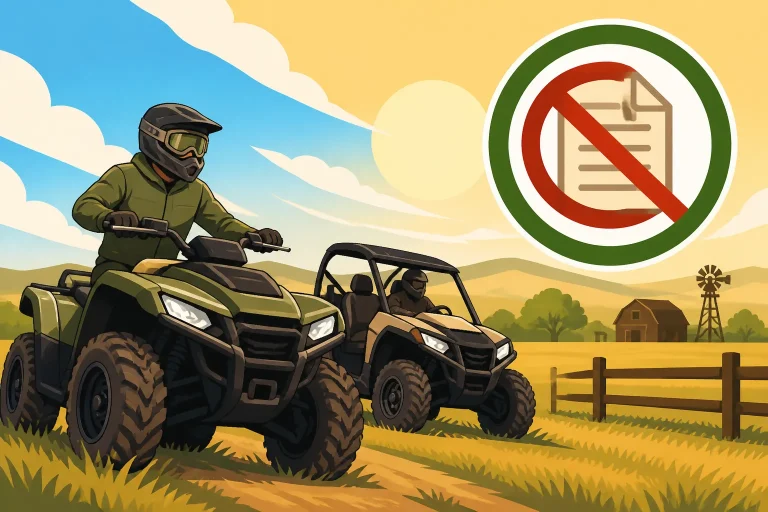
A screenshot or home-printed pass may seem like the easiest way to get ready for a South Dakota ride, but the Black Hills motorized trail permit is issued as a decal. It must be attached to the machine, so a receipt or paper copy is not a substitute. Here’s why the format matters, how to get the decal, and what to check before riding.
The permit is a decal, not a printable document
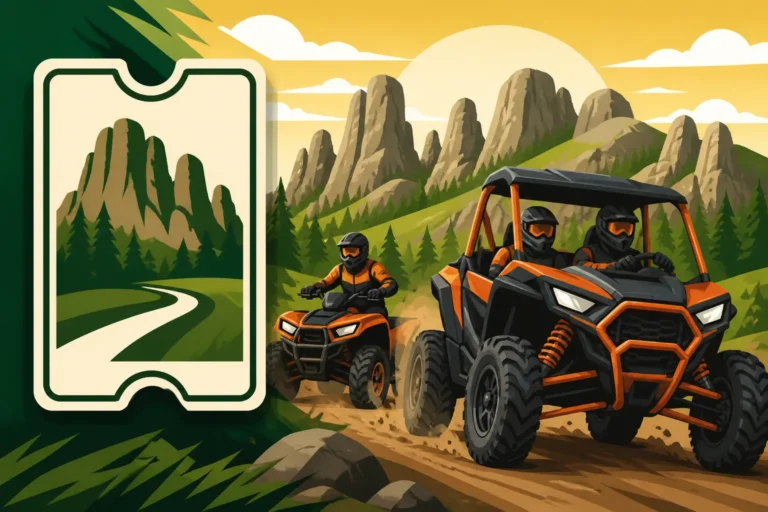
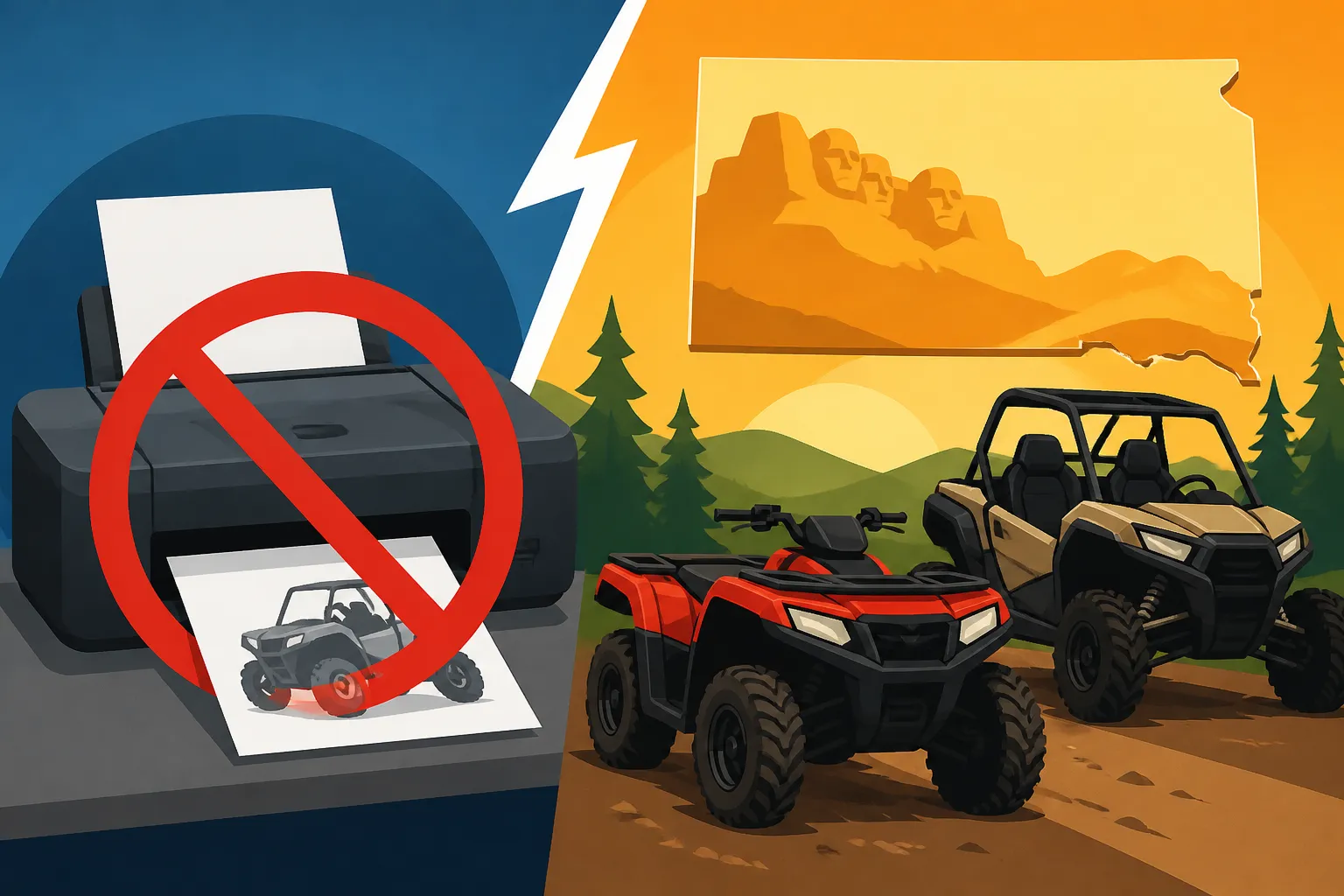
The permit this question usually refers to is the Black Hills motorized trail permit for riding designated motorized routes in the Black Hills. It is a physical decal intended to be displayed on the machine. It is not a pass designed to be printed from an online account or shown on a phone.
That distinction matters because buying a permit and having a permit ready for inspection are not quite the same thing. An order confirmation, payment receipt, or email may show that you completed a purchase, but it does not replace the issued decal. Printing the confirmation at home does not turn it into one.
A physical decal gives riders and enforcement staff a straightforward way to identify that the machine has the required permit. It also stays with the vehicle during the ride, rather than depending on a rider having a charged phone, working data service, or a paper document that could be misplaced. Cell coverage can be limited in parts of the Hills, so a permit that can be checked on the machine is practical in the field.
The permit is tied to the machine, not simply to the person who bought it. That means a rider cannot assume that one permit covers every ATV or UTV in a group. If several machines will use the trails, check the requirements for each one before setting out. One Permit Per Machine, Not Per Rider explains that distinction in more detail.
This is also why the permit should not be confused with a general receipt or proof of payment. The receipt can be useful if you need to confirm a transaction or contact the seller, but it is supporting paperwork. The decal is the permit meant to be displayed.
For background on how the permit applies to machines using Black Hills routes, see How the Black Hills Motorized Trail Permit Works. It helps to identify which permit you need before choosing how to buy it, especially if your plans include both forest routes and other riding areas.
Why a printable copy would be a poor substitute
A printable pass could be copied, shared, damaged, or displayed on a machine other than the one for which it was issued. A decal provides a more durable, visible marker, and its placement makes it easier to associate the permit with the machine. A paper printout in a glove box would not serve that purpose.
The physical format also makes the permit less dependent on a rider’s device. A phone screenshot can be hard to read in bright sun or after a day of dust and weather. A printed page may tear or become difficult to verify. Neither is equivalent to the issued sticker.
Treat online checkout as the start of the process, not the final step. If you buy remotely, plan for the decal to reach you and be installed before you ride. If your trip is close, look for an authorized in-person seller rather than assuming a confirmation page will be accepted.
How to get the decal before your ride
There are two practical paths: obtain the physical permit from a seller before your trip, or arrange for it to be delivered in advance. The right choice depends on how soon you leave and whether you can receive mail reliably.
| How you get the permit | What to plan for | Common mistake |
|---|---|---|
| Buy from an authorized in-person seller | Confirm availability and get the decal before heading to the trail | Assuming every shop or office sells permits |
| Buy online for delivery | Allow enough time for processing and mailing, then attach the decal before riding | Treating the order confirmation as the permit |
| Buy shortly before departure | Check for a nearby authorized seller and confirm its hours | Waiting until you reach a trailhead to sort it out |
For current purchase options, use Where South Dakota Trail Permits Are Sold. Sellers and availability can vary, so check ahead rather than building your plan around an unconfirmed stop. If you are considering an online purchase, How Long a Black Hills Permit Takes to Arrive can help you think through the delivery issue. Do not assume that the decal will arrive immediately or that a tracking update is permission to ride.
If you are ordering online
Order early enough that the decal can arrive, be checked, and be attached before you leave. Build in a buffer for mail handling, weekends, and unexpected delays. If the trip is already close, compare the delivery option with buying from an authorized seller in person.
When the permit arrives, confirm that you have the correct item and that it is in usable condition. Set it aside with the gear you are taking, but do not leave it loose in a bag and plan to deal with it at the trailhead. Applying it before the trip avoids a last-minute search for the correct panel or a clean surface.
Keep the receipt or confirmation separately from the decal. It can help you resolve a purchase problem, but it does not change the display requirement. If the decal is missing, damaged, or the wrong one arrives, contact the seller or permit provider before riding instead of trying to improvise a paper replacement.
If you are buying in person
Call or check with the seller before making a special trip. Ask whether permits are available, what information you need to provide, and whether the seller can complete the purchase for the machine you plan to ride. This is particularly useful if you are arriving from out of state or traveling during a busy period.
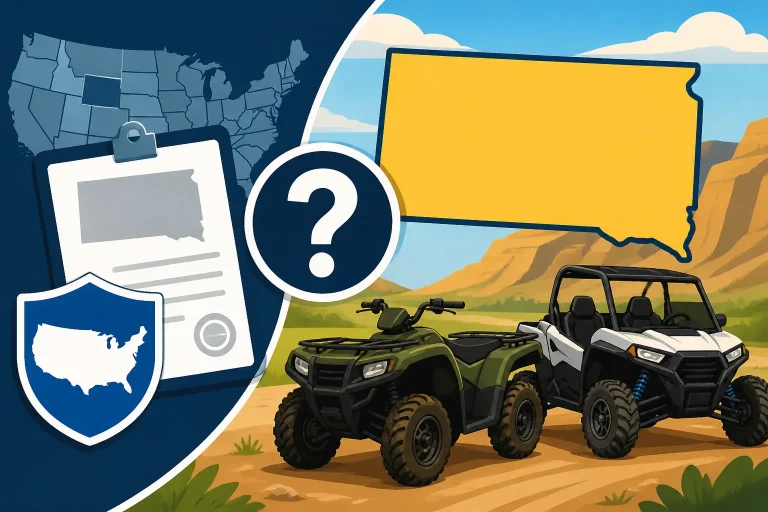
Do not assume that a general vehicle or recreation permit is interchangeable with the Black Hills motorized trail permit. South Dakota has different permit and registration rules for different uses. For example, the nonresident ORV permit is a separate topic from the Black Hills motorized trail permit; see South Dakota’s Nonresident Annual Permit if your question concerns that permit instead.
If you rent a machine, ask the rental company whether the required trail permit is already handled. Do not assume a rental includes it simply because the machine is ready to ride. Do Rentals Arrive With the Trail Permit Already Paid? covers the questions to ask before pickup.
Attaching the decal and avoiding permit mix-ups
Once you have the decal, follow the instructions that come with it. Placement matters: a sticker hidden by a bag, covered in a way that makes it unreadable, or put on a removable accessory may be hard to verify and could come off during use. The proper location can depend on the type of machine, so use the guidance for your vehicle rather than copying another rider’s setup.
Before applying it, choose the location carefully. Clean and dry the surface, check that the decal will be visible, and avoid placing it where regular movement, abrasion, or contact with gear is likely to peel it away. If you are unsure where it belongs, consult Mounting a Trail Permit Decal on a Wheel Panel or the permit instructions for your machine.
Do not attach a decal to a piece of equipment you might swap between machines. Since the permit is machine-specific, moving the sticker later can create confusion about which vehicle it belongs to and may damage it. If you change machines or have an issue with the decal, ask the issuing source what to do instead of assuming you can transfer it.
A license plate is not automatically a substitute for the trail permit. Road-use documents and trail access permits serve different purposes. A plate may matter when a machine is being used on roads where road-use requirements apply, but it does not by itself establish that the machine has the permit required on a designated motorized trail. See Why a Plate Does Not Replace a Trail Permit for that distinction.
Conversely, do not assume the trail decal makes a machine legal for every road or riding area. The permit applies to its intended trail use; other locations can have their own rules, access limits, and vehicle requirements. Check the rules for the route and land you plan to use, rather than treating one decal as universal permission.
A quick pre-ride check can prevent a frustrating stop:
- Confirm that you have the correct permit for the place you plan to ride.
- Make sure each machine that needs a permit has its own decal.
- Verify that the decal is attached in the appropriate visible location.
- Keep the purchase confirmation separately in case you need to resolve a transaction issue.
- Check current trail access information before loading up, since having a permit does not mean every route is open.
If you reach the trail and realize the decal is missing, do not rely on a phone image or a home-printed receipt as a substitute. Pause and contact the seller or permit provider for guidance. What Happens If You Leave Your Permit at Home addresses that situation, but the simplest solution is to confirm the physical decal is on the machine before leaving.
Plan around the physical format
The short answer is that you cannot print the Black Hills motorized trail permit at home because it is issued as a machine-displayed decal, not as a printable pass. Buying online may let you arrange the purchase remotely, but you still need the physical decal before riding. A receipt, email, or screenshot can document the transaction; it does not take the place of the permit.
The most reliable approach is to decide which machines and routes are part of your trip, confirm the right permit, and obtain the decal with enough time to attach it. If mail timing is uncertain, check in advance for an authorized in-person seller. If you are renting, ask the outfitter directly whether the permit is included and already displayed.
These small checks are worth doing before departure. They help avoid arriving at a trail with the wrong permit, a decal still in the mail, or a printed confirmation that cannot serve as the required display. A permit should be ready on the machine, not just present in your inbox.
Disclaimer
This article is for general informational purposes only and does not constitute professional advice. Laws, prices and regulations vary by location and change over time. Consult a qualified professional for guidance on your specific situation.